Layout variations · 12 Aug 2026

Pick your '26 vibes
— four more ways

Four new layouts built on the 26_PICK_YOUR_VIBE.psd design language — teal side rail, black announcement slab, Eurostile headline, hairline benefit list, teal button with the offset shadow. Plus four secondary sections that snap under any of them to turn a square into a full email. Every unit is 1080×1080 (sections 1080×540), re-renderable from HTML, and drawn from the '26 guide photography.

4 hero layouts4 secondary sections1080 × 1080PNG downloads

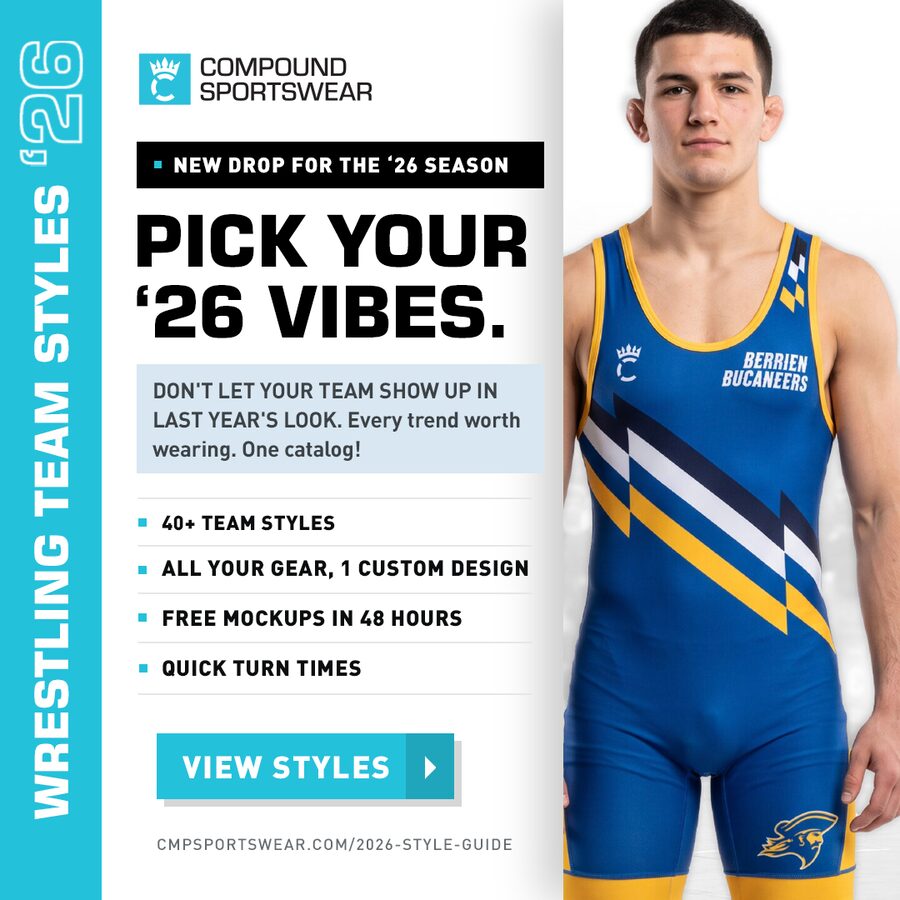
The layout these came from

Your PSD, unchanged — the reference for the type scale, the 122px teal rail, the pale-blue body block #D8E7F1, the hairline rules #E4E7E9 and the button's offset shadow. Everything below reuses those exact values.

Original Pick Your '26 Vibes layout
26_PICK_YOUR_VIBE.psdReference · not modified

Four other options

Same kit of parts, four different structures. A and D stay closest to the original; B is the loud one; C turns the vertical rail on its side.
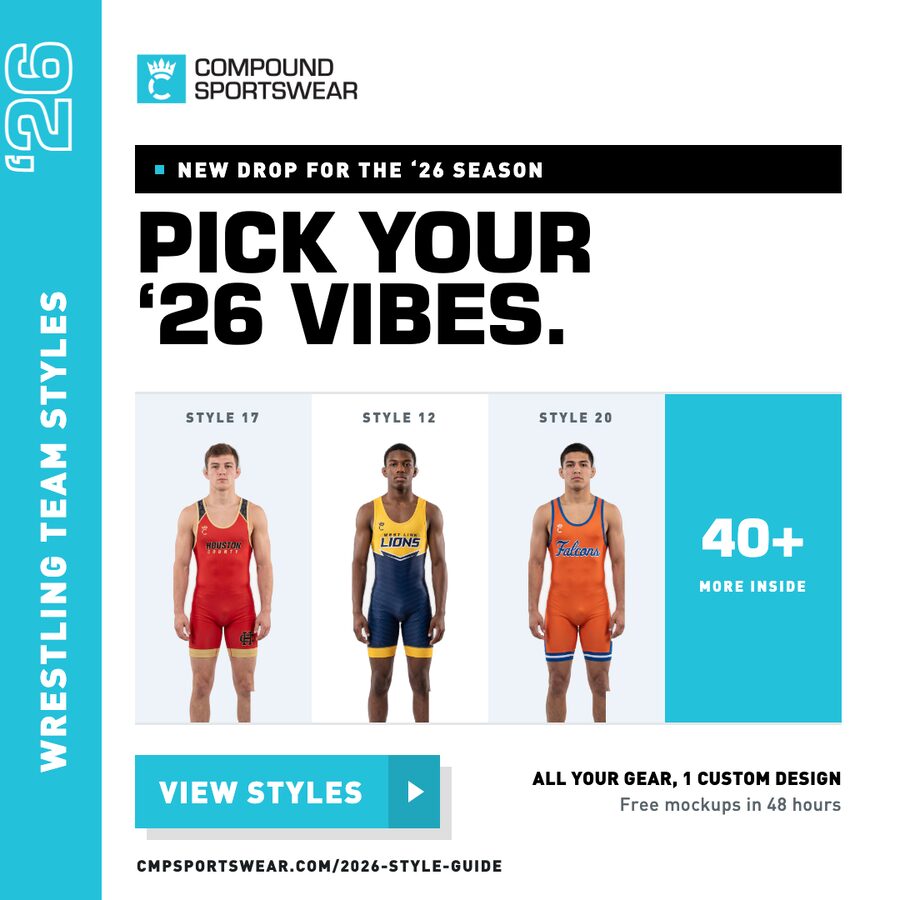
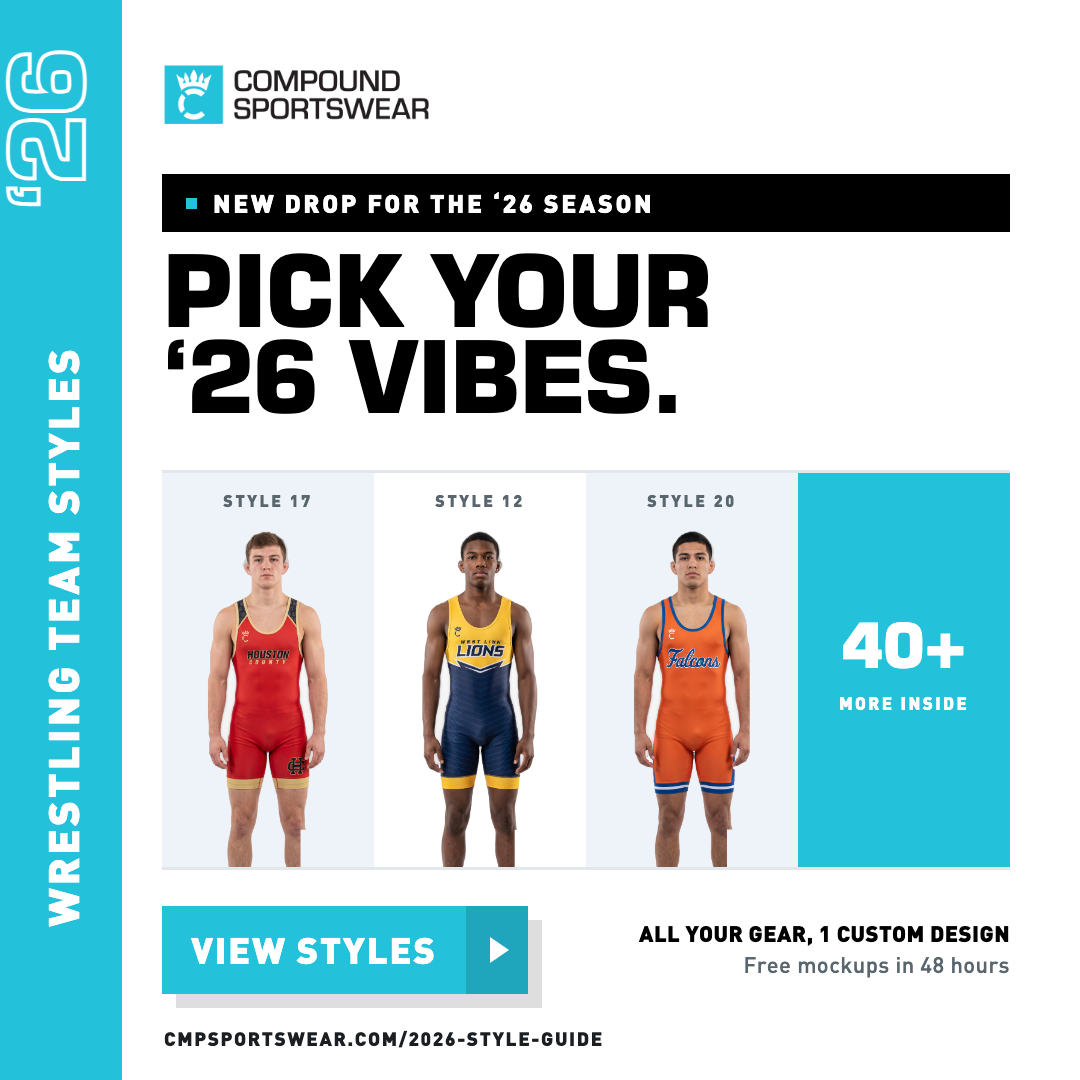
Option A — The Lineup
A · The LineupPNG

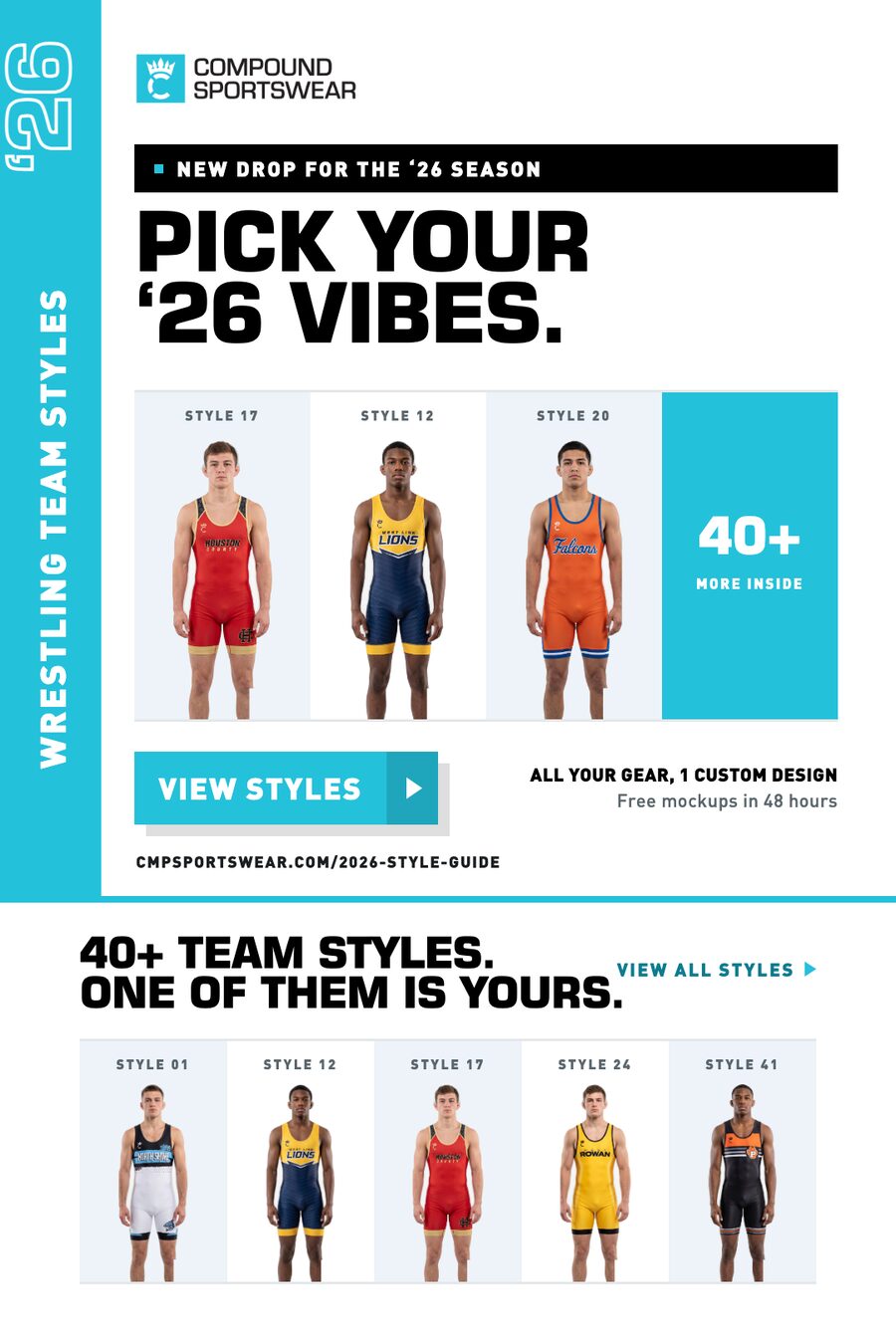
The photo panel becomes a rack of four cells — three styles plus a "40+ more inside" tile. Makes the word pick literal: you're looking at choices, not one athlete. Best for the launch send and for paid social where variety is the hook.
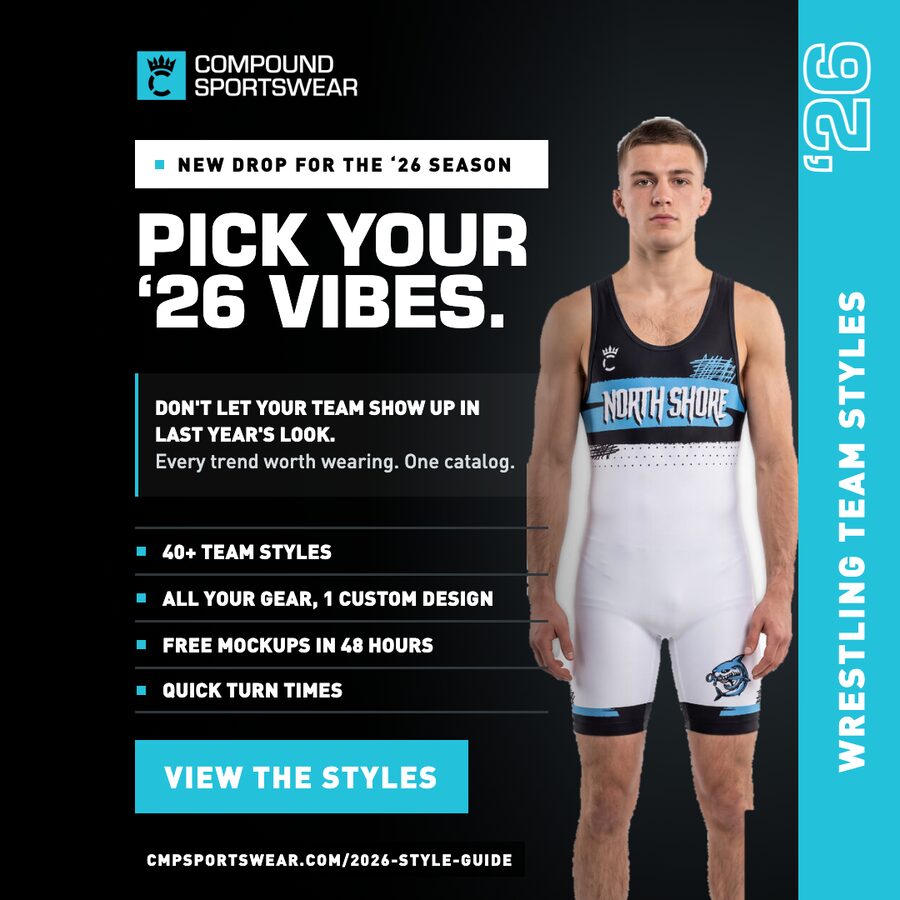
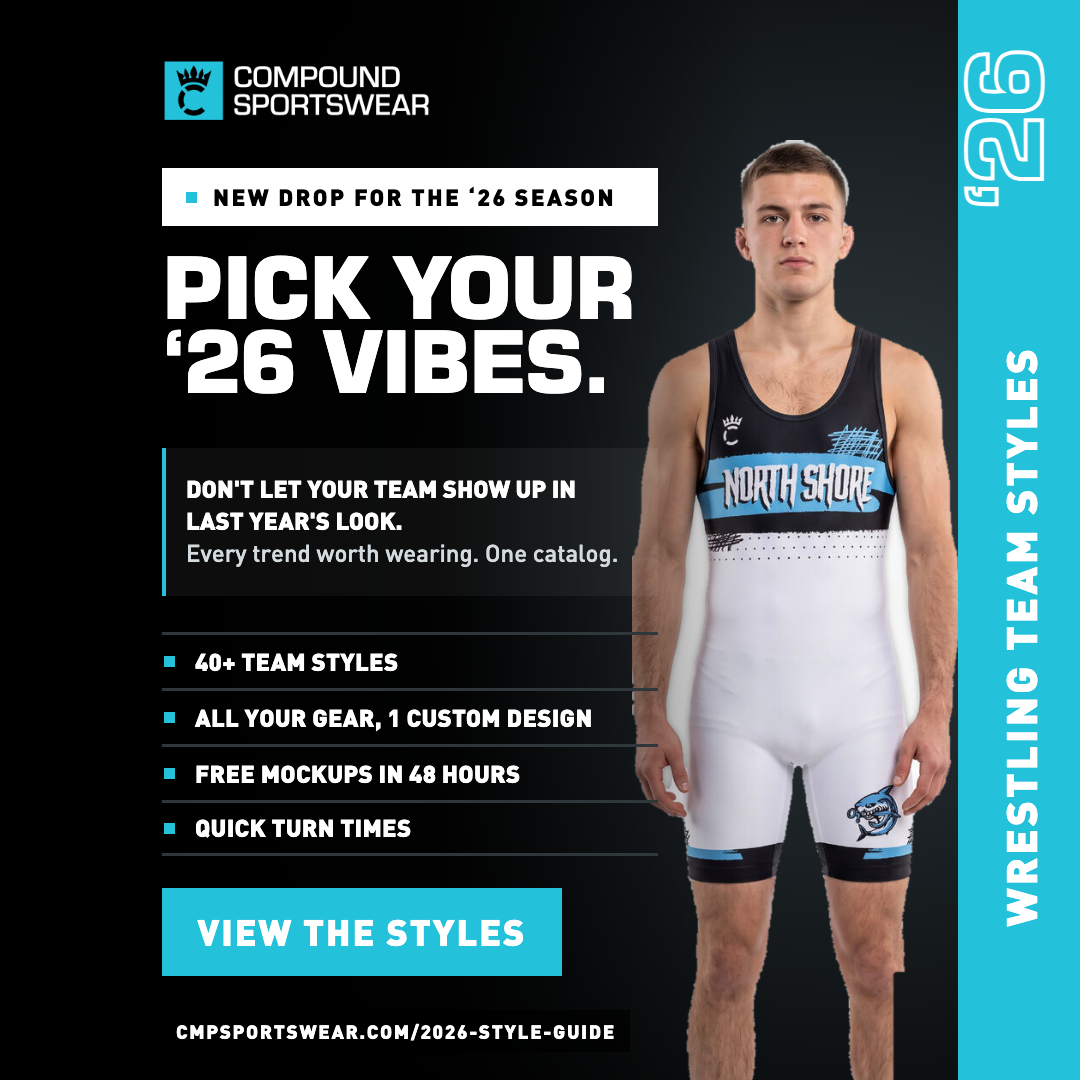
Option B — Blackout
B · BlackoutPNG

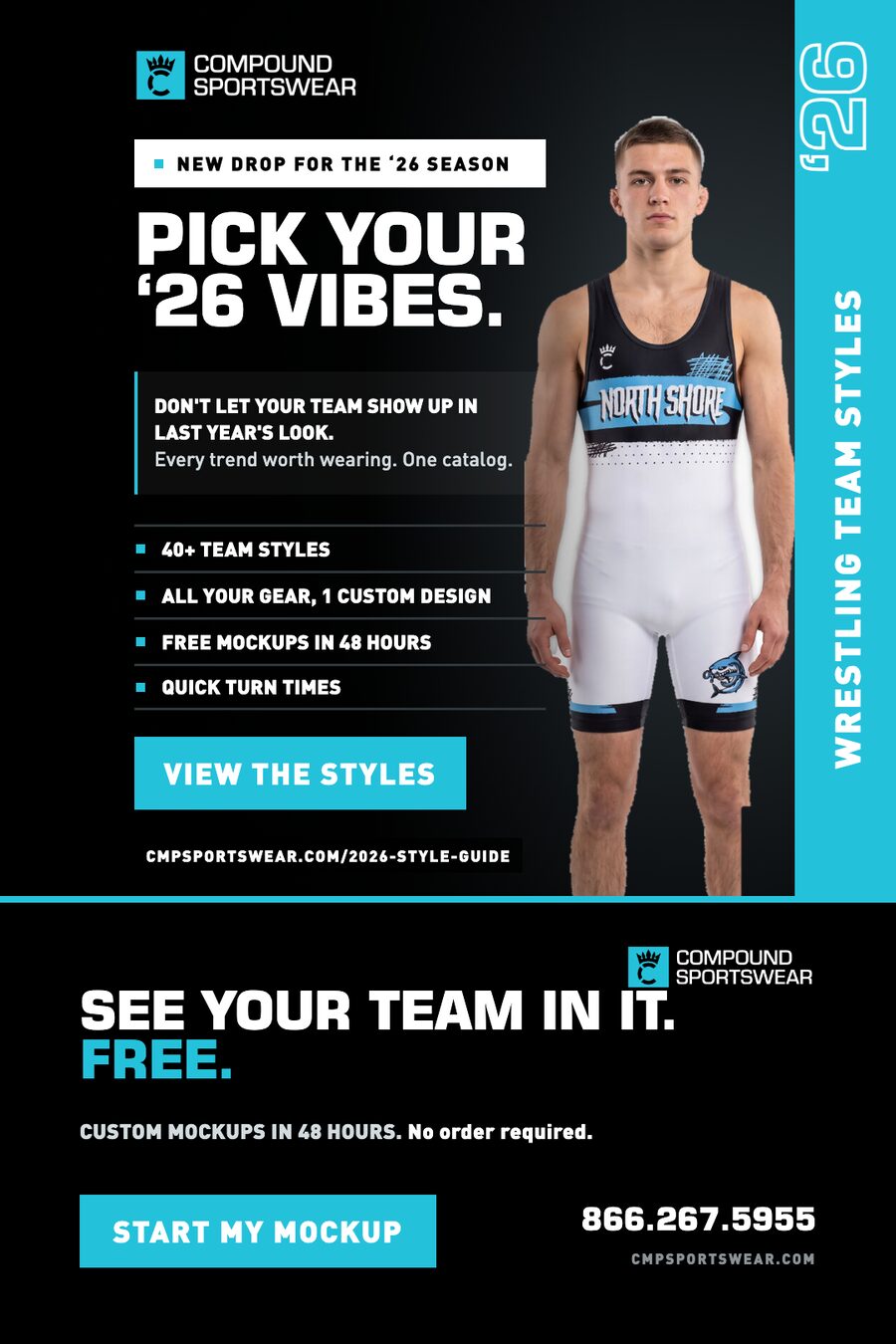
Your dark language from the Zero Boring master — white announcement slab, black field, solid teal button, URL on a black bar — with the rail moved to the right edge. A white singlet on black carries the whole frame. Use it when it needs to hit hardest in a feed.
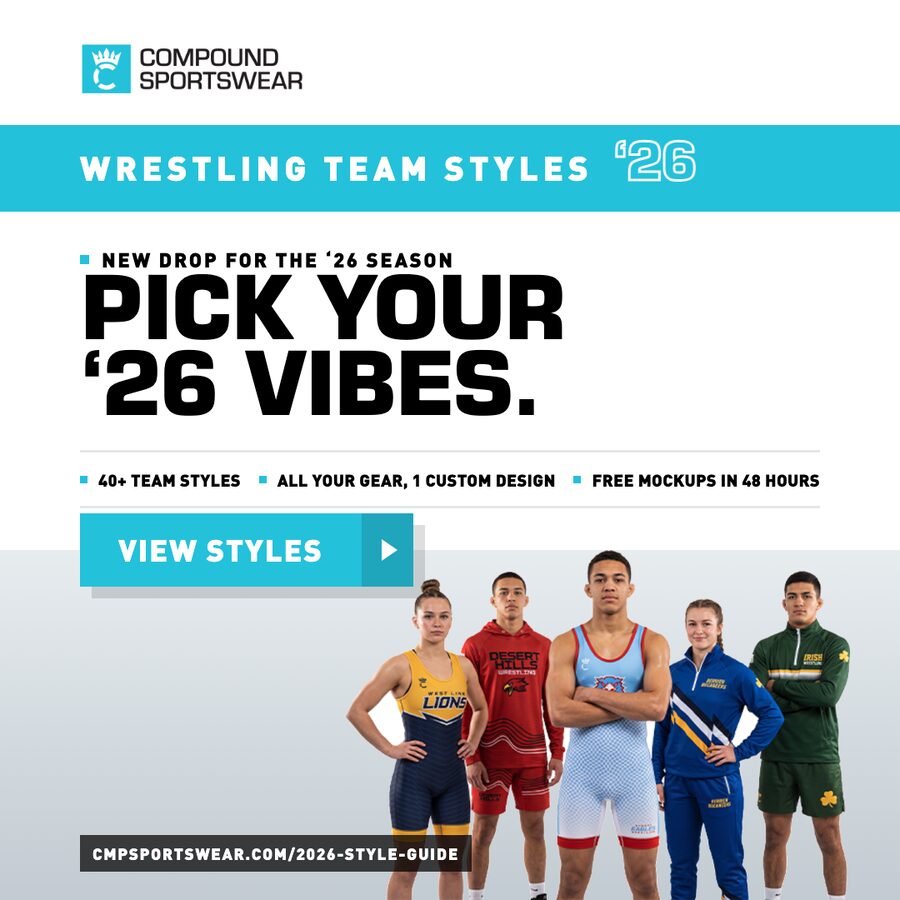
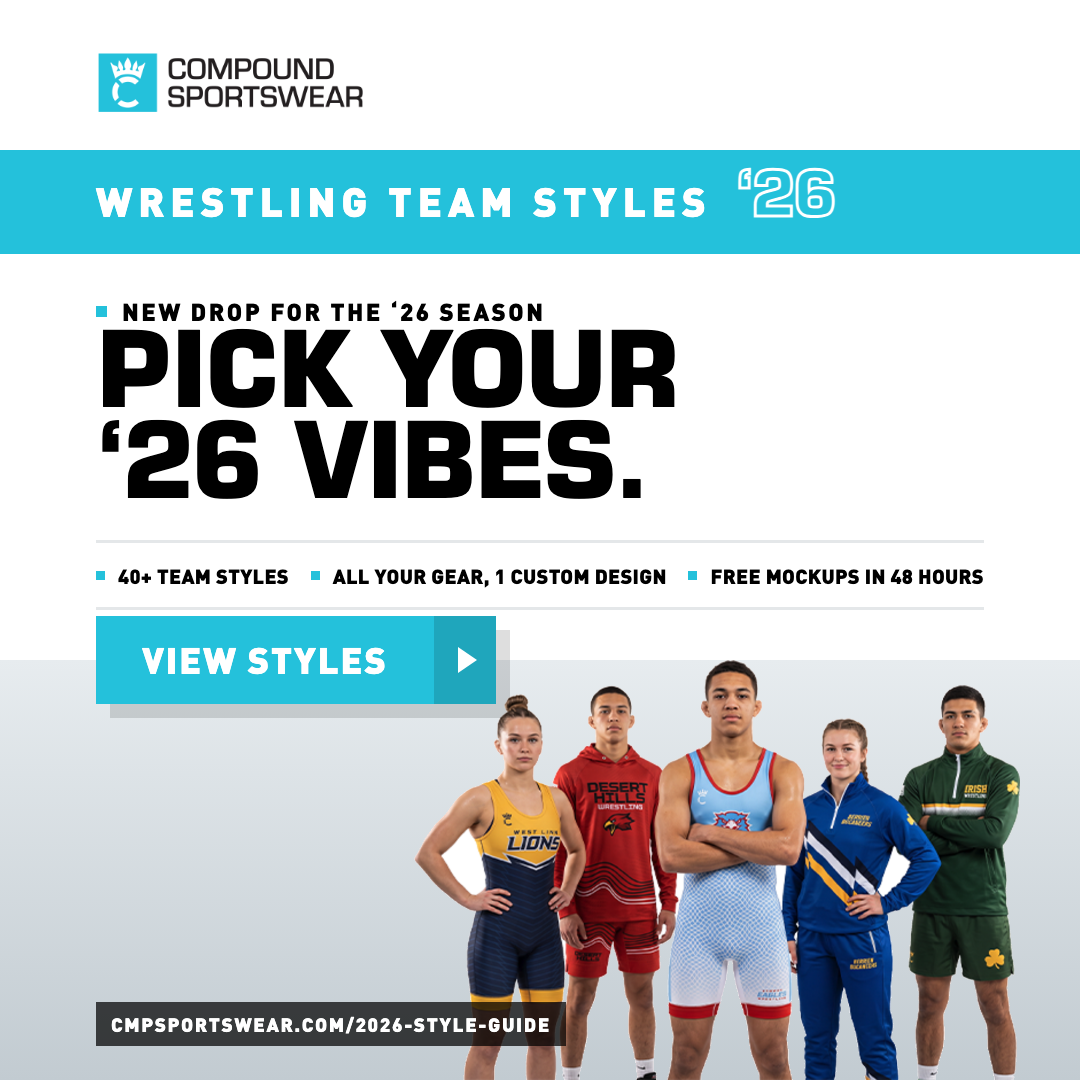
Option C — The Band
C · The BandPNG

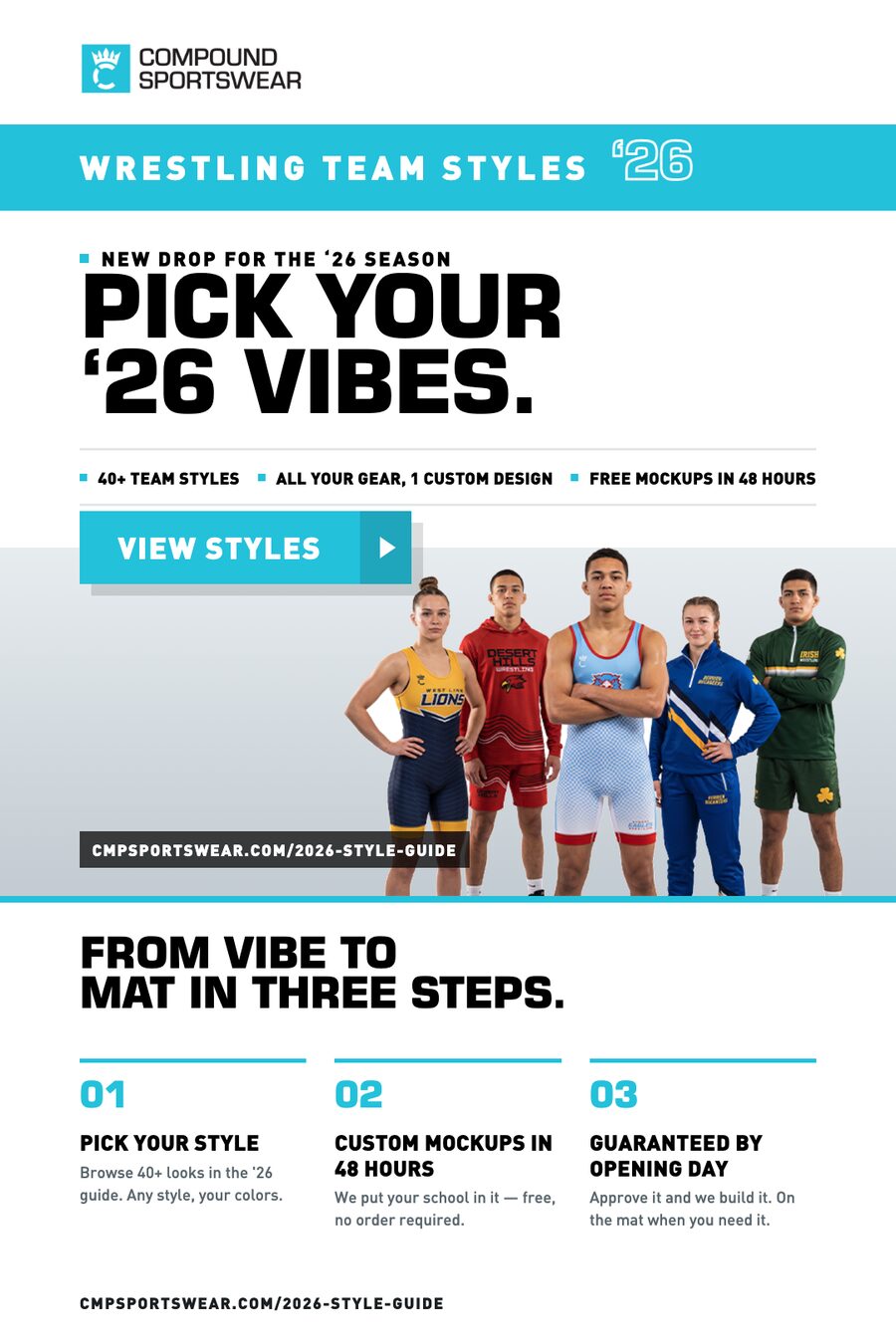
The side rail rotates to a full-width teal band across the top, so the headline gets the whole 1080 to run in. Team photo becomes a floor band at the bottom and the button straddles the seam between them. Reads widest — also the easiest to re-cut to 1200×628.
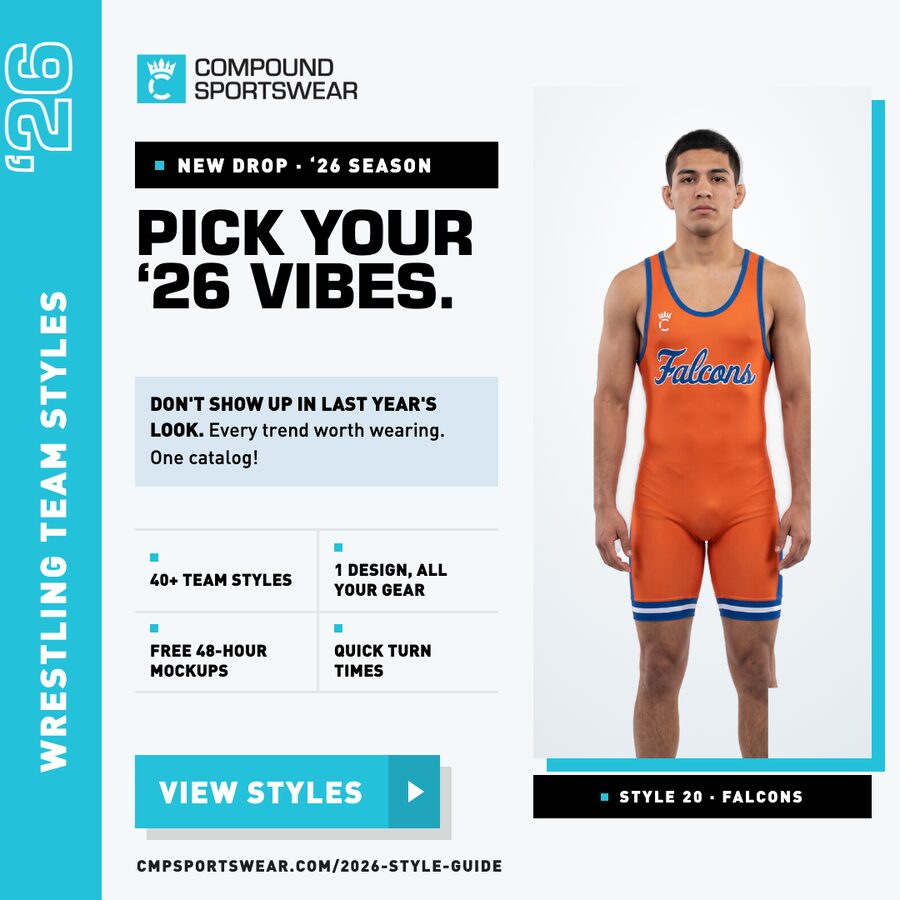
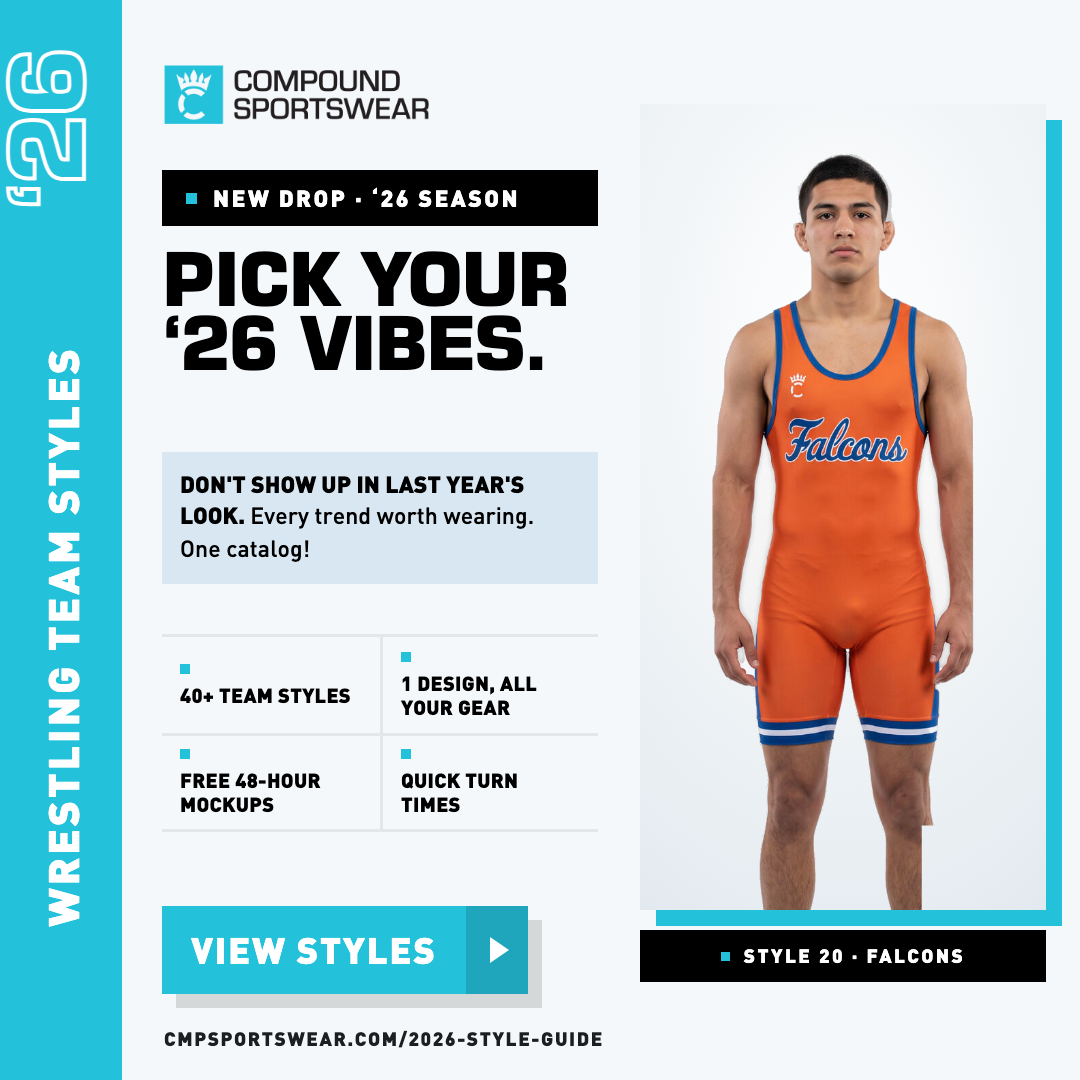
Option D — The Card
D · The CardPNG

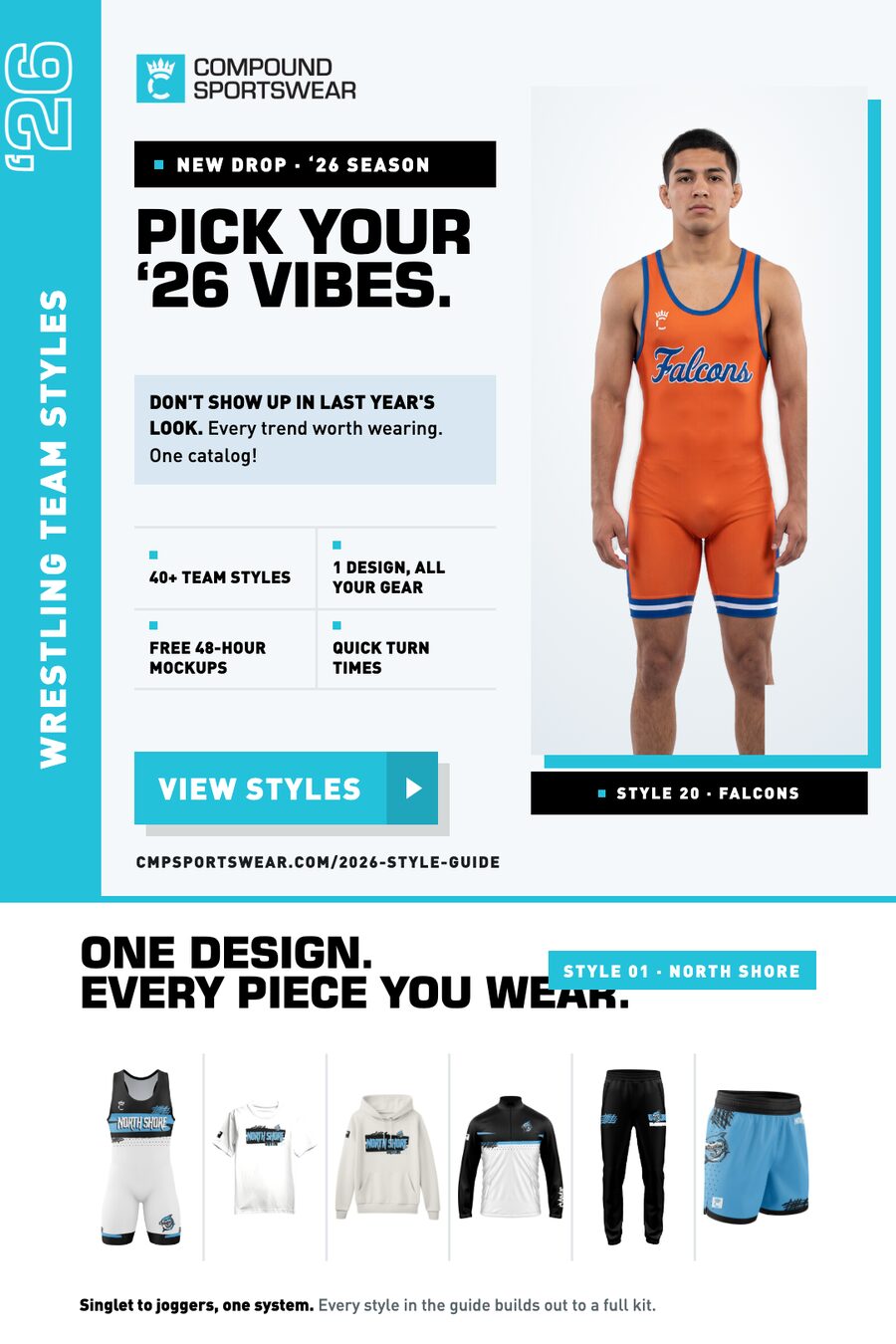
Closest sibling to your original. The athlete lifts off the edge into a floating card with a teal offset shadow (same shadow as the button), gets a style-name plate under it, and the benefit list becomes a 2×2 tile block. Swap the card image to feature any style.

Secondary sections

1080×540 blocks that sit under any hero above. Mix and match — the rules, squares and type scale are shared, so nothing needs re-fitting.

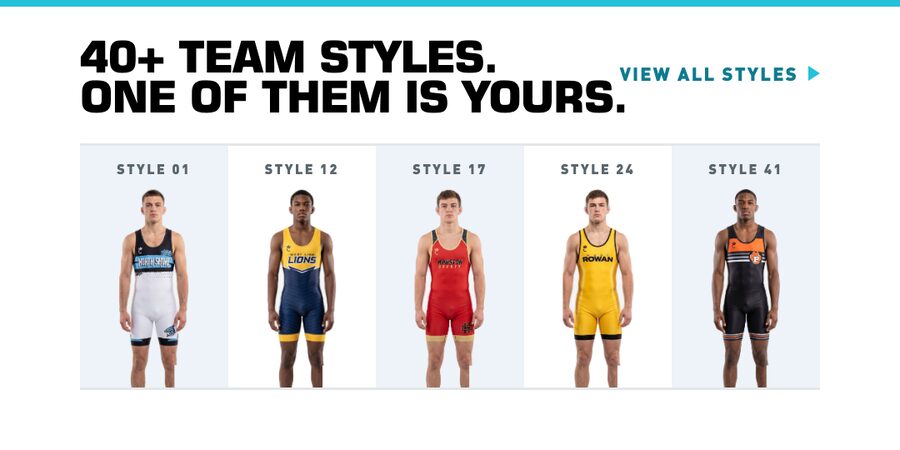
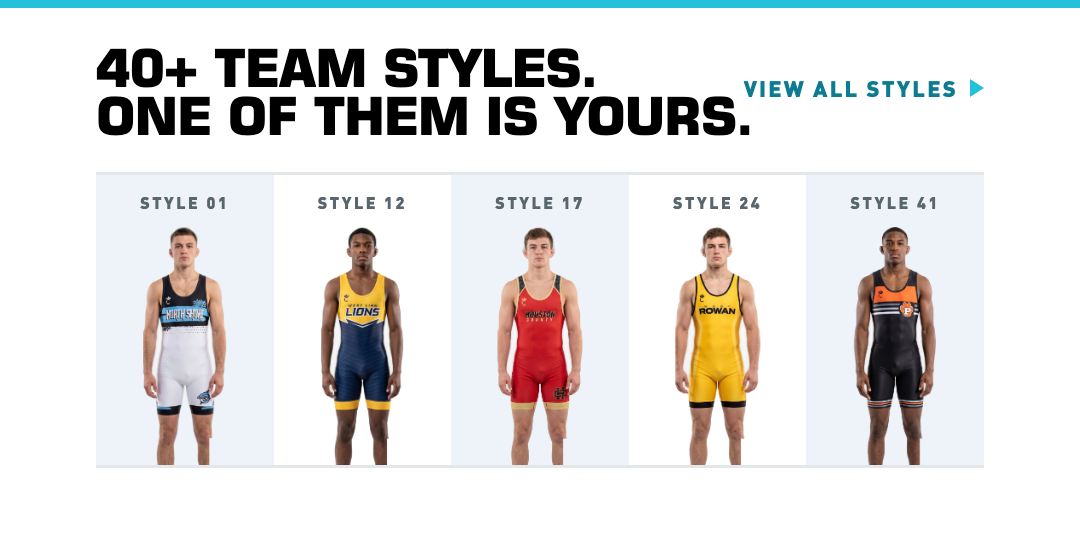
Section S1 — The Rack
S1 · The RackPNG

Five styles side by side under a hero that only showed one. The obvious partner for B or D. Cells are swappable — any of the 41 styles can go in.

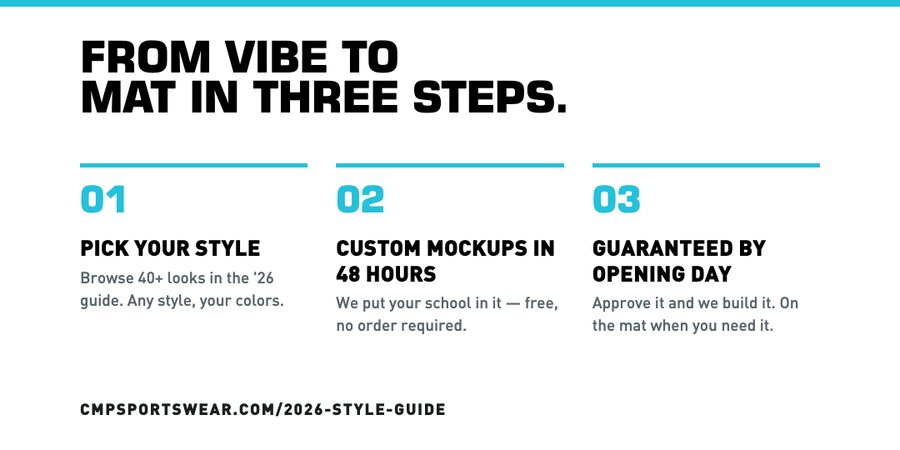
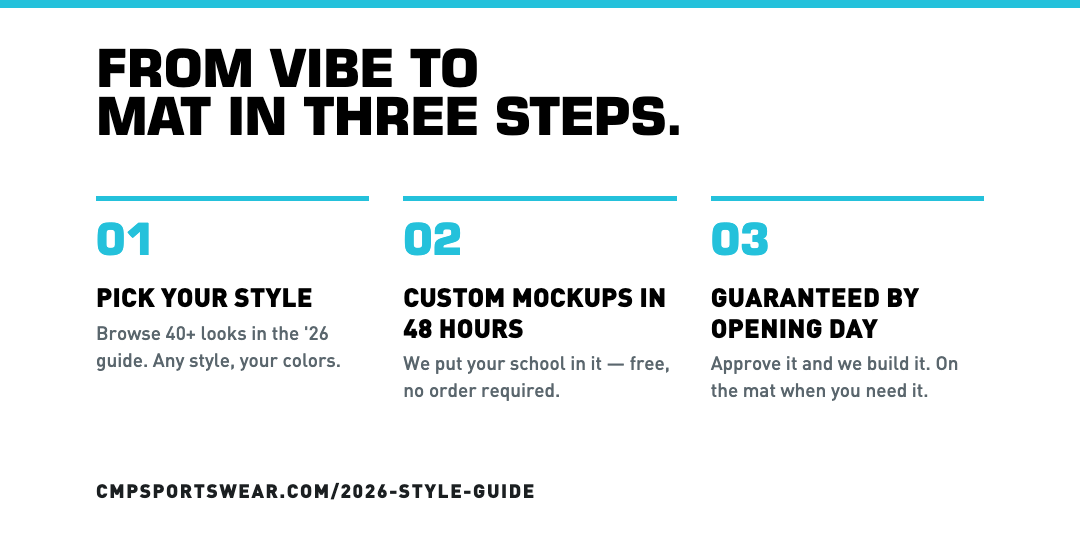
Section S2 — Three steps
S2 · From Vibe To MatPNG

The objection-killer: pick a style → free mockup in 48 hours → guaranteed by opening day. Answers "how hard is this" before a coach has to ask.

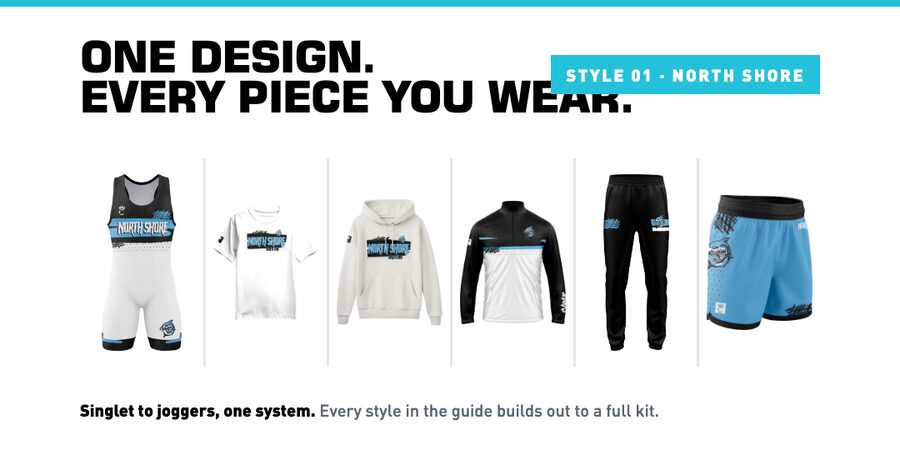
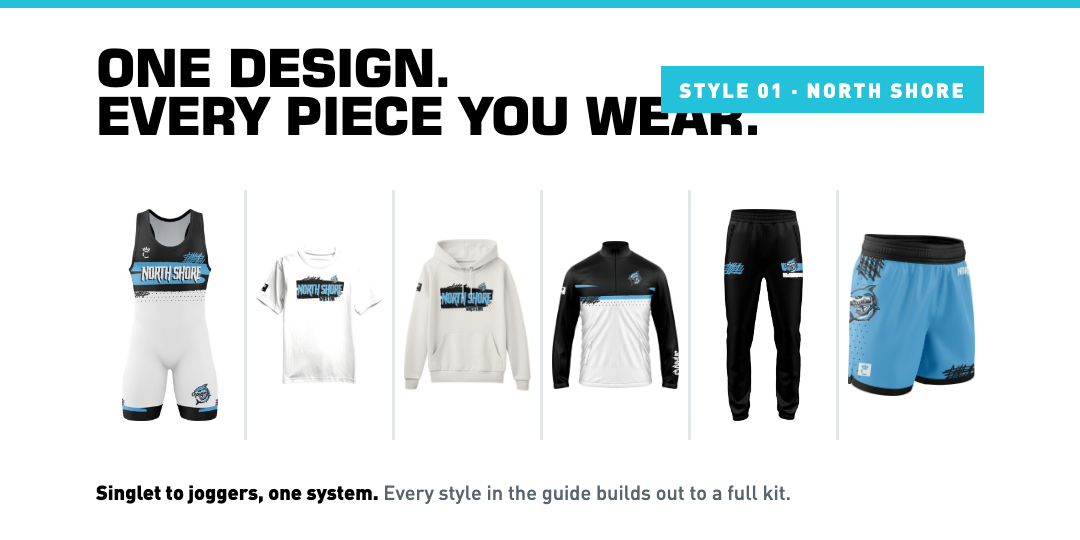
Section S3 — One design, every piece
S3 · One Design, Every PiecePNG

Proof for the "all your gear, 1 custom design" line — one style built out to singlet, tee, hoodie, quarter-zip, jogger and short. Shown here on Style 01; every style has a kit.

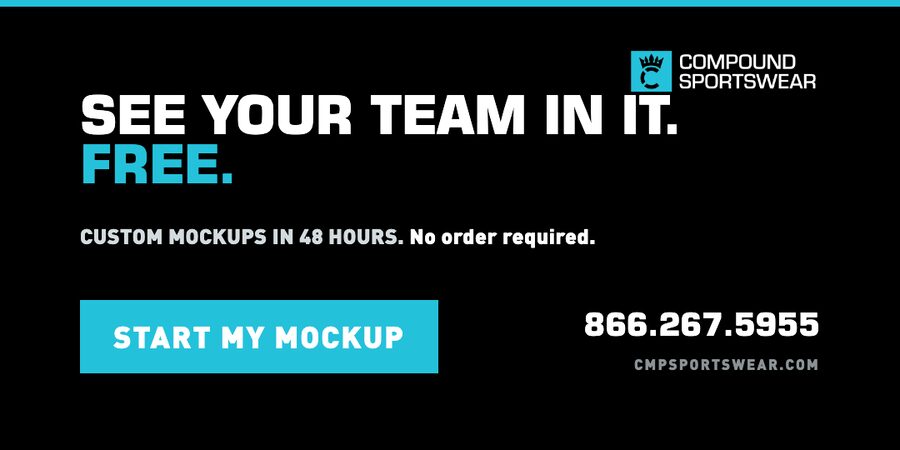
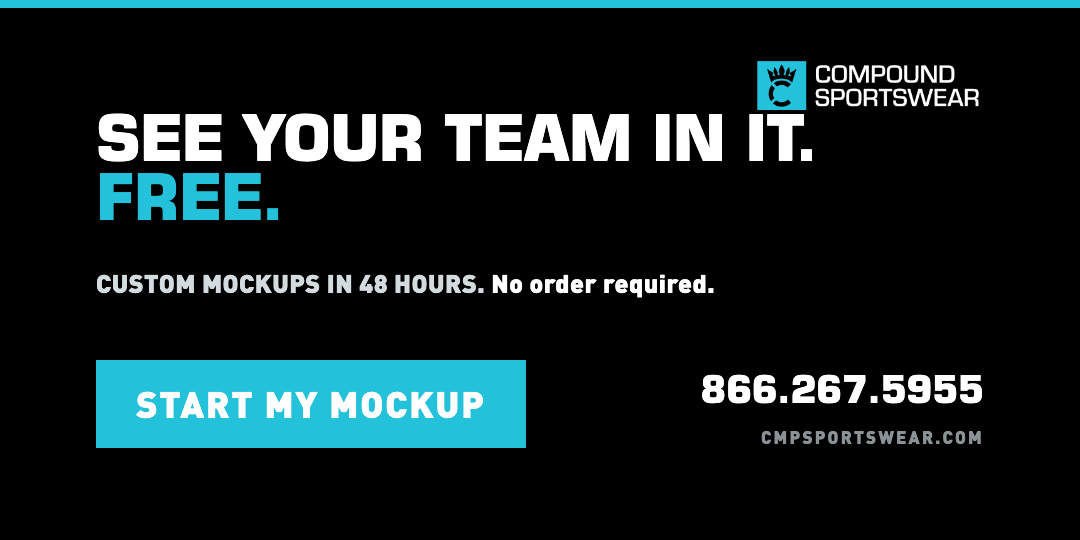
Section S4 — See your team in it
S4 · See Your Team In It. Free.PNG

Black closer with the offer and the phone number. Works as the last block of any send, or on its own as a retargeting card.

Stacked as emails

Hero + one section, the way they'd land in the inbox. Any hero pairs with any section — these are four of the sixteen combinations.

A + S1
A + S1The launch send
B + S4
B + S4Hard close
C + S2
C + S2Explainer
D + S3
D + S3Product story