← All deliverables
14 Aug 2026

Remember
What You Wore

Your two masters — the 1080×1080 and the 1080×1920 — extended into the full paid-search and paid-social placement set. Every unit is rebuilt from its master’s own artwork: the same photography, the official logo re-rendered from vector, Eurostile Bold + DIN, Pantone 311C teal. Nothing is an upscaled crop.

9 PlacementsLayered PSDsPNG + JPGDisplay units under 150KB

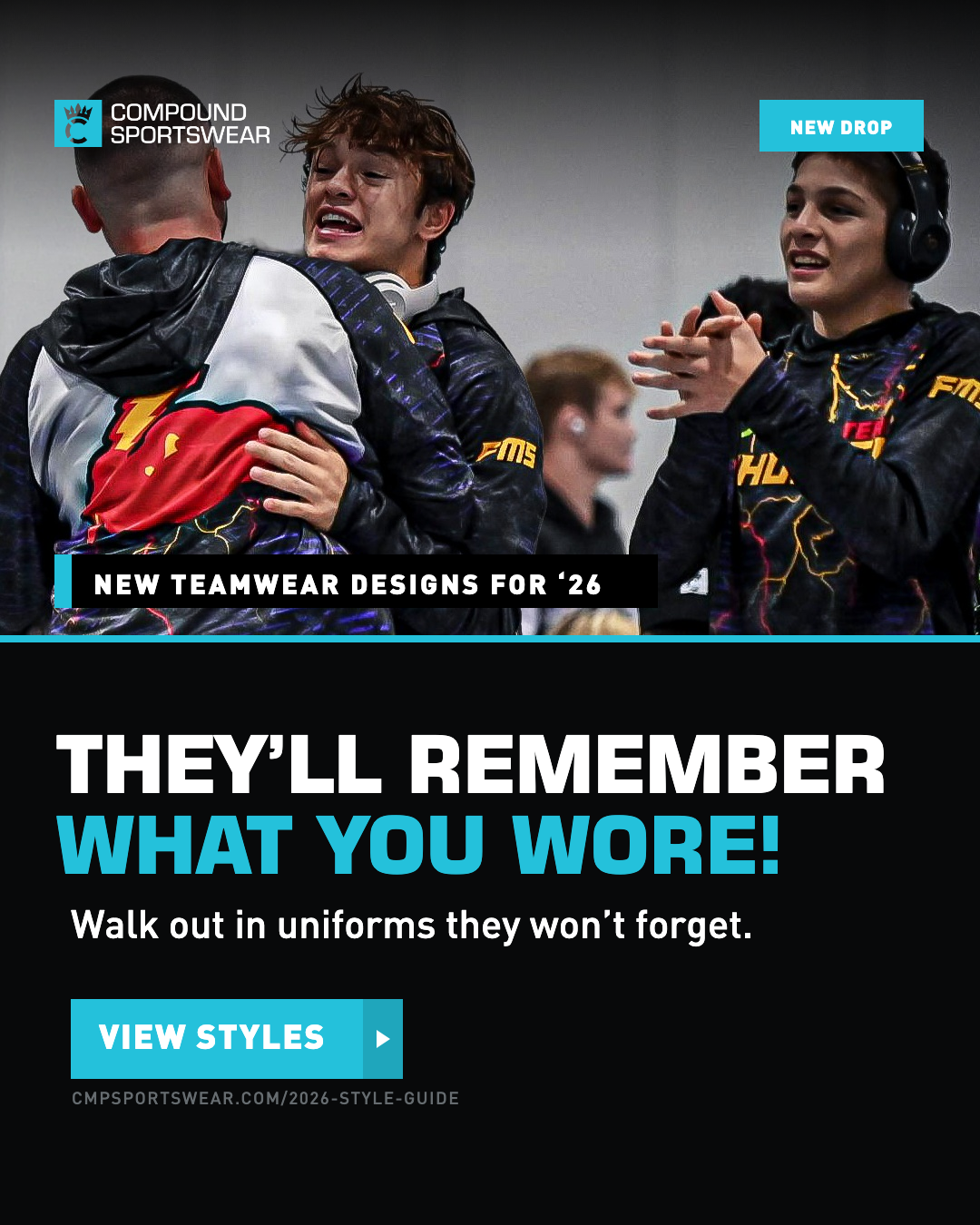
From the square master

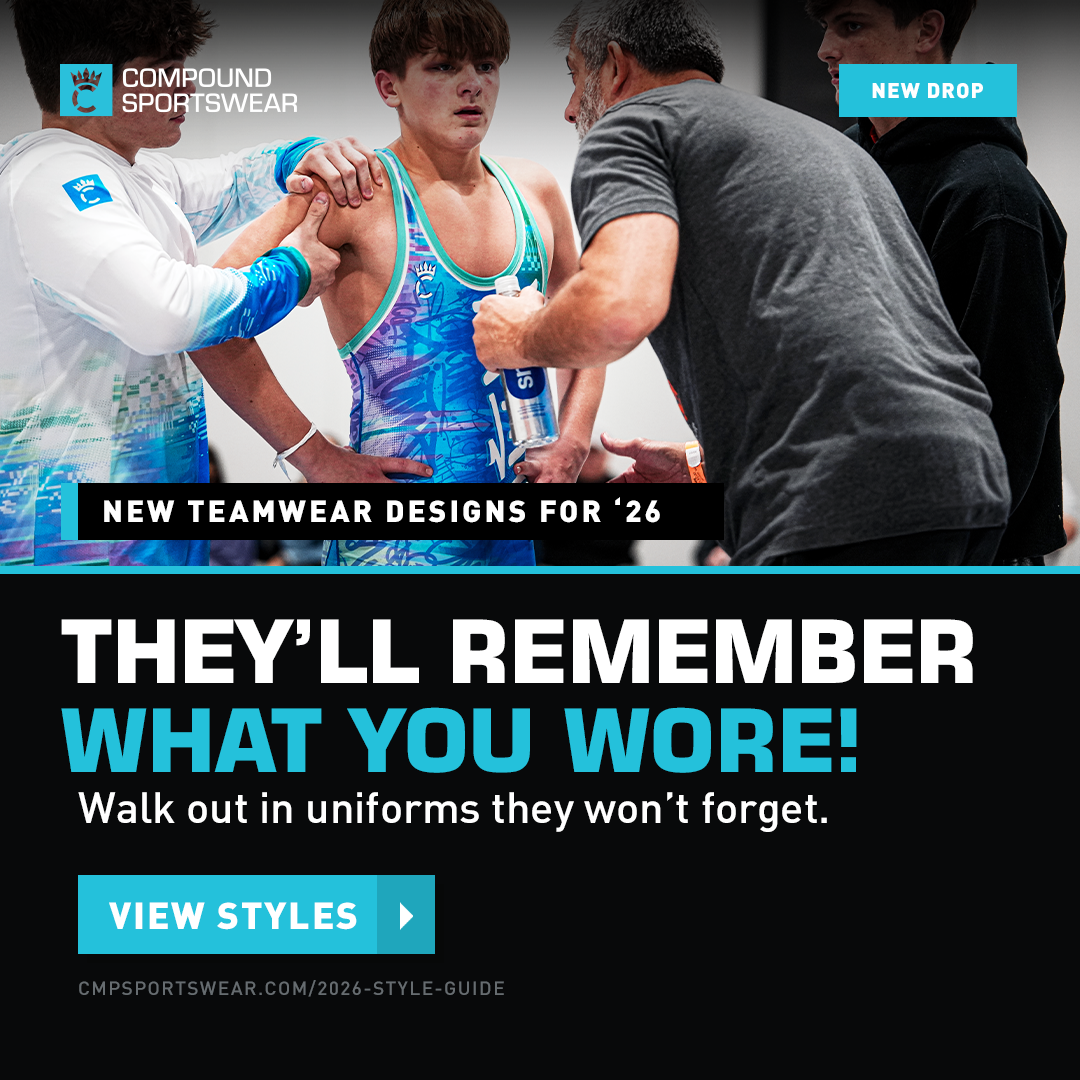
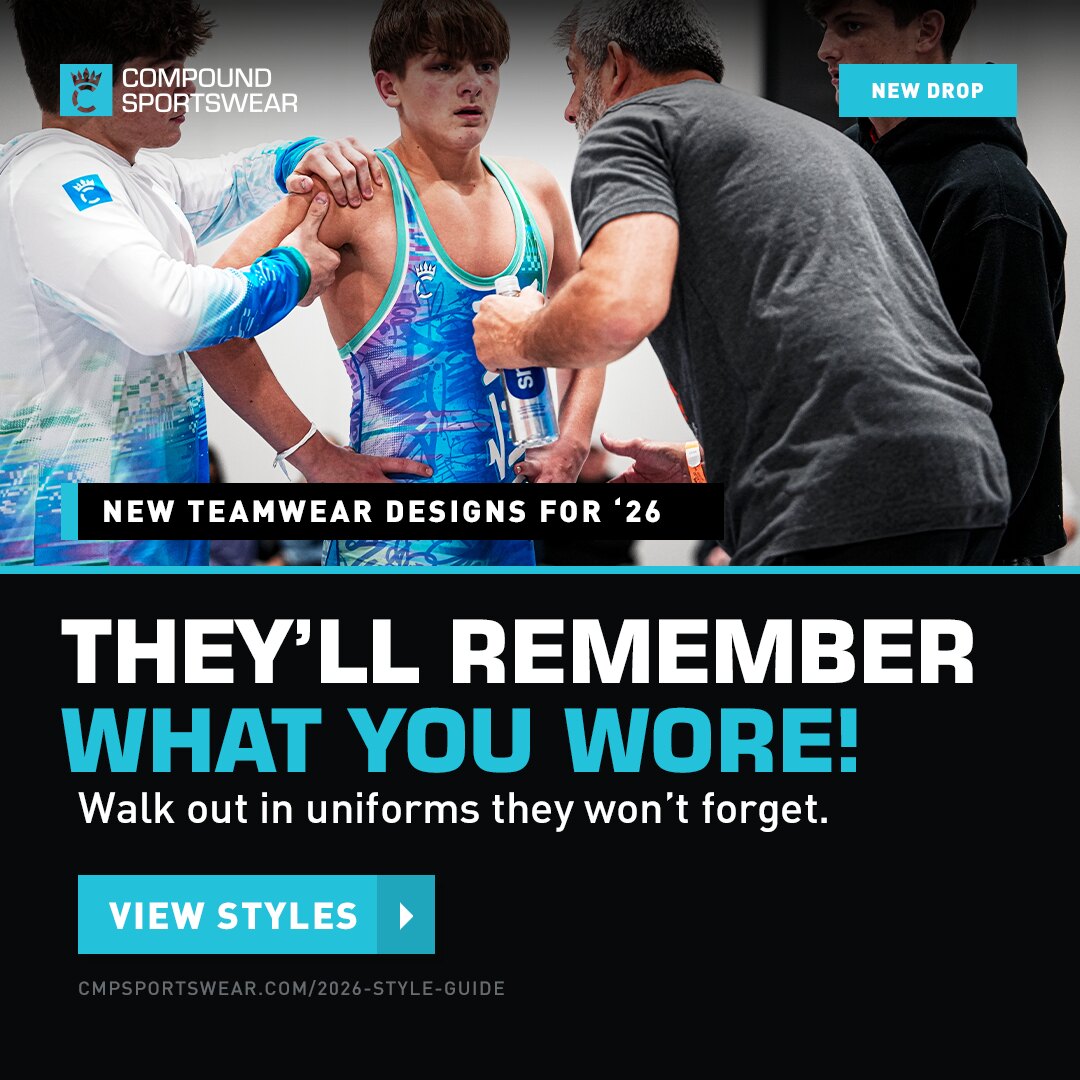
The coaching photo. 1080×1080 is your own export straight out of the PSD, untouched — the other four are new builds off its artwork.

1080x1080 master
1080 × 1080 · master PNG   JPG
MASTER

Square

Meta feed · IG · source of truth
Status
Your PSD, exported as-is. Nothing rebuilt.
What it gave the set
The 7008×4672 photo behind the smart object, the vector logo, and every type and colour value the other four are built from.
Untouched1:1
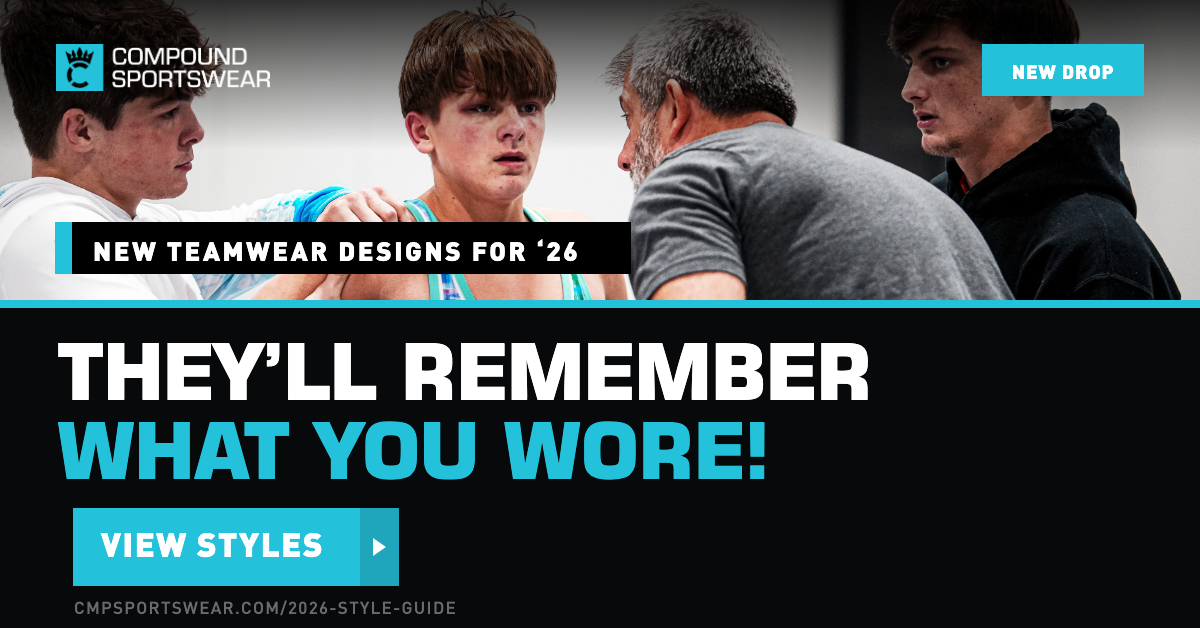
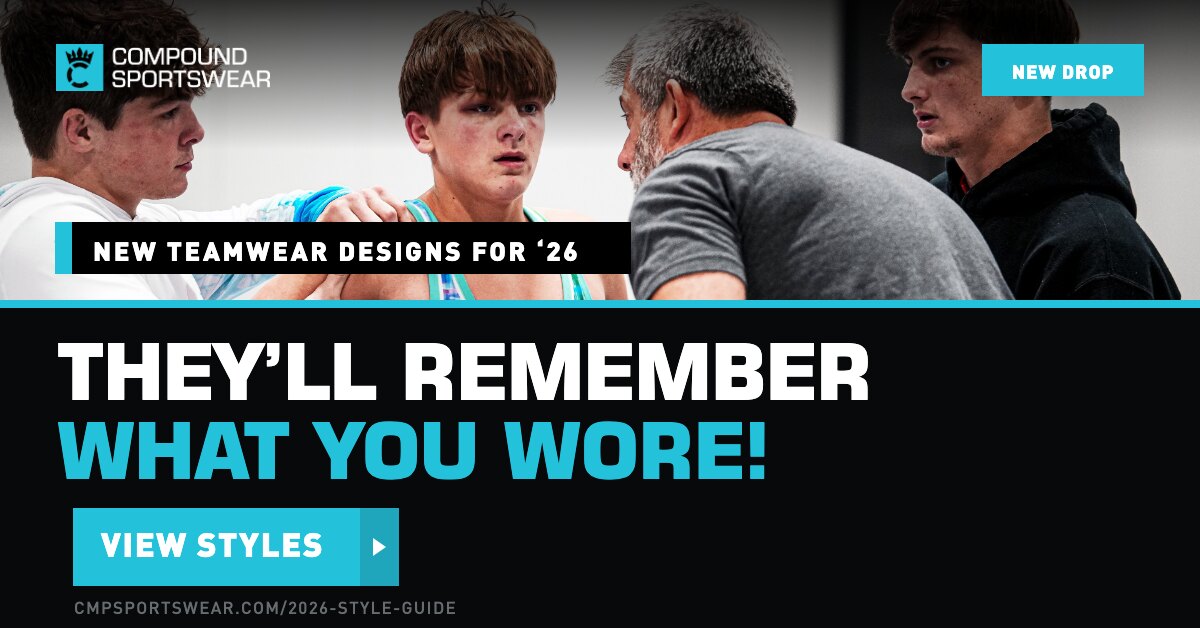
1200x628
1200 × 628 PNG   JPG   PSD
LANDSCAPE

Link / Feed

Meta link ad · Google Display · LinkedIn
Adaptation
Same photo-over-panel split. The subhead is dropped so the headline can run big — the same move you made on the Zero Boring 1200×628.
Photo
Reframed to keep the singlet in shot, not just faces.
Headline full sizeSubhead cut110 KB
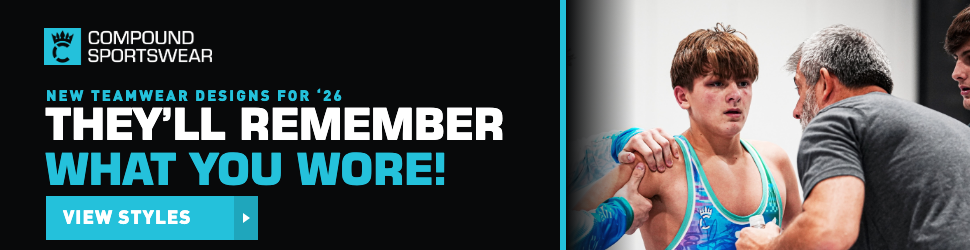
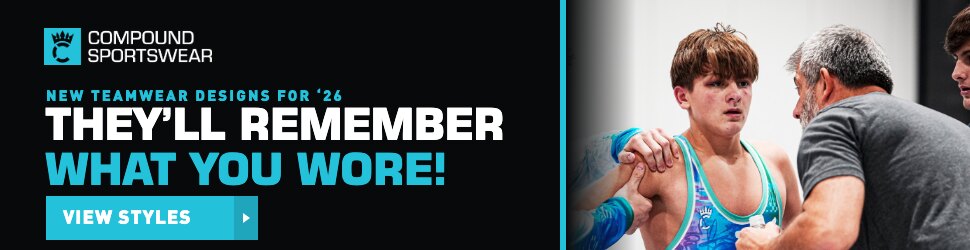
970x250
970 × 250 PNG   JPG   PSD
BILLBOARD

Wide

Google Display billboard
Adaptation
The split turns vertical — solid panel left, photo right, teal rule down the seam. At 250 tall a photo-on-top split leaves no room for type, and a scrim over an action shot this bright never gets properly legible.
Kicker
Slab drops away, becomes small teal type.
Vertical splitTeal kicker49 KB
728x90
728 × 90 PNG   JPG   PSD
LEADERBOARD

Strip

Google Display leaderboard
Adaptation
Panel becomes the whole unit with a teal rule on top — your own rule for this shape. The photo is out: at 90 tall it can’t hold a subject and still leave room for a CTA.
Copy
Headline shortened to “Remember What You Wore!” and the CTA to “View Now” rather than shrinking type to fit.
Copy rewrittenNo photo13 KB
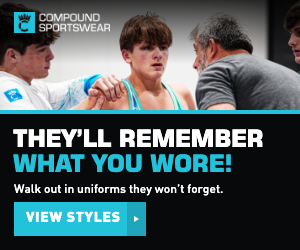
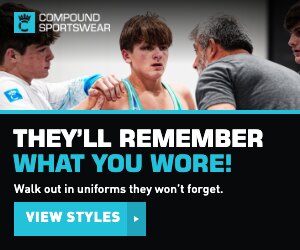
300x250
300 × 250 PNG   JPG   PSD
MED RECTANGLE

Box

Google Display medium rectangle
Adaptation
Original split kept, photo band shortened. Badge and title slab drop — at this size they’d eat the headline.
Kept
Subhead survives here; it still reads at 12px.
Split keptBadge cut21 KB

From the vertical master

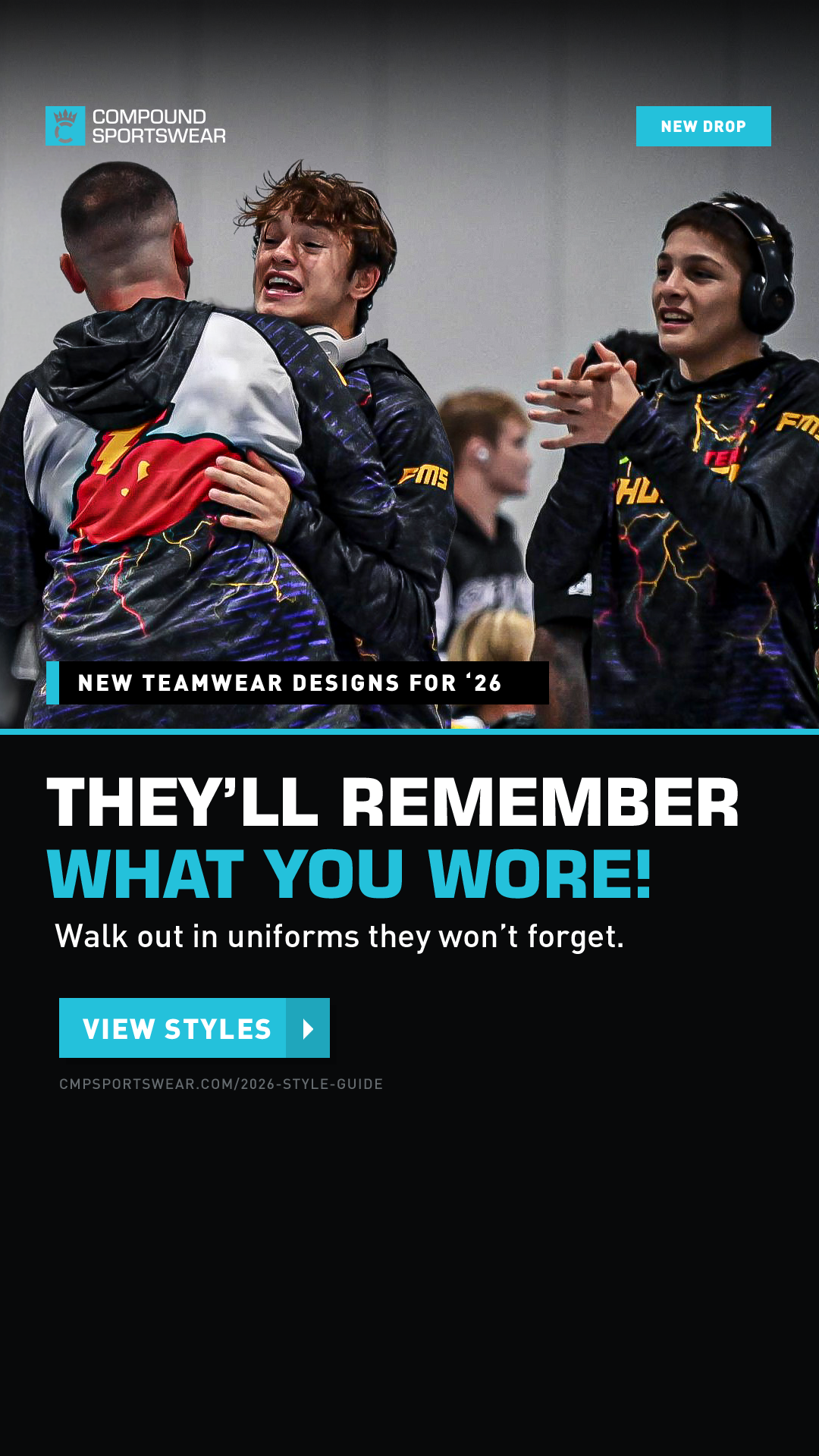
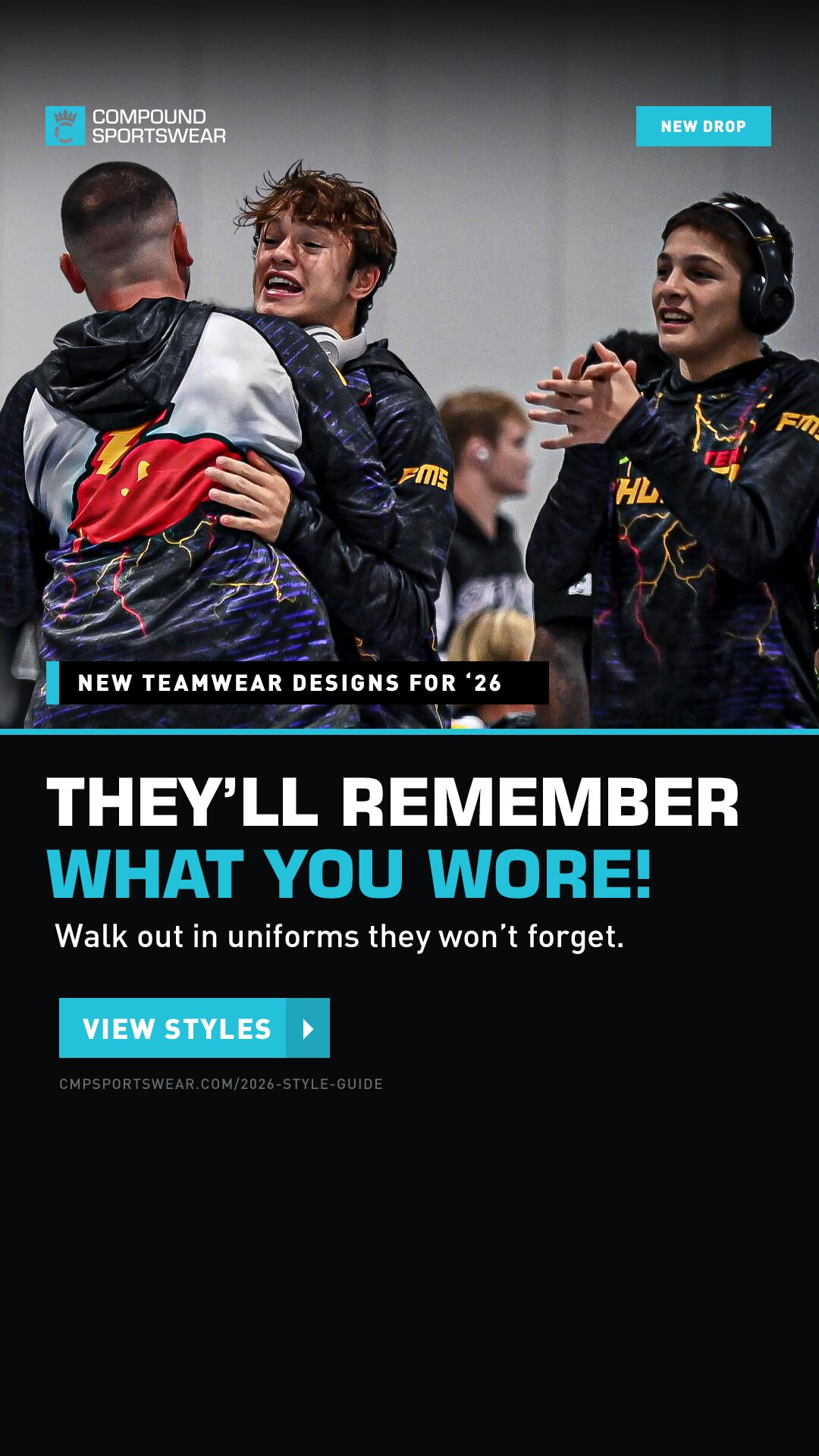
The team-celebration photo. 1080×1920 is your export — see the note below about one stray layer — and the other three are new builds off it.

1080x1920 master
1080 × 1920 · master PNG   JPG
MASTER

Story / Reel

IG & FB Stories · Reels · TikTok
Status
Your PSD, with one change: the leftover “SEE THE ‘26 GUIDE” text layer was switched off. On the square it hid behind the CTA button; here the CTA sits lower, so it was left sitting black-on-black under the subhead.
Bottom space
Left as you built it — that band is where the Stories UI lands.
Stray layer off9:16
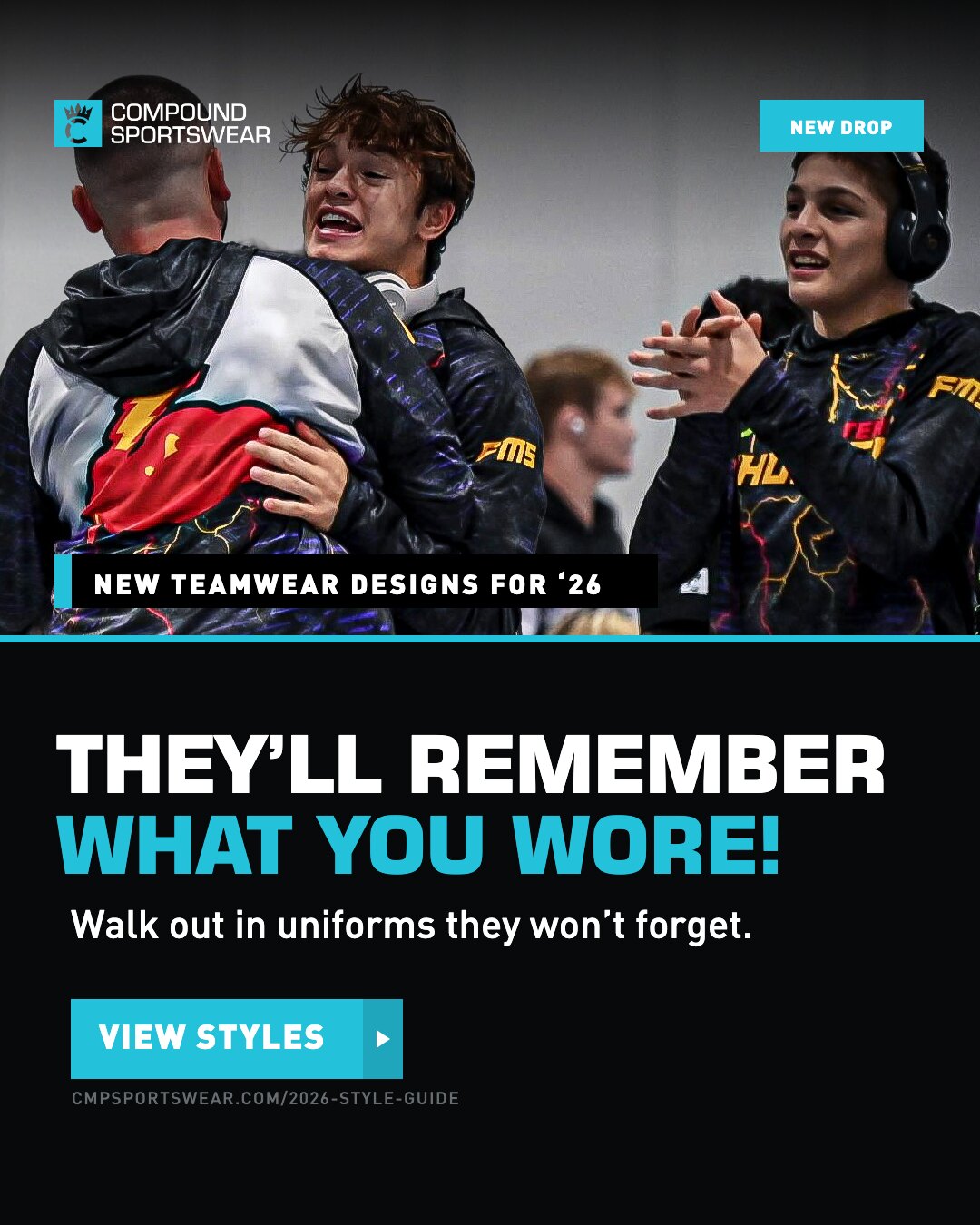
1080x1350
1080 × 1350 PNG   JPG   PSD
PORTRAIT 4:5

Feed

IG & FB feed · the highest-reach paid social size
Adaptation
Straight recompose — every type size held identical to the master, the split moved up and the copy block re-spaced to sit in the shorter panel.
Photo
Same crop, pulled down so both athletes in the hug stay in frame.
Type unchangedAll tiers kept
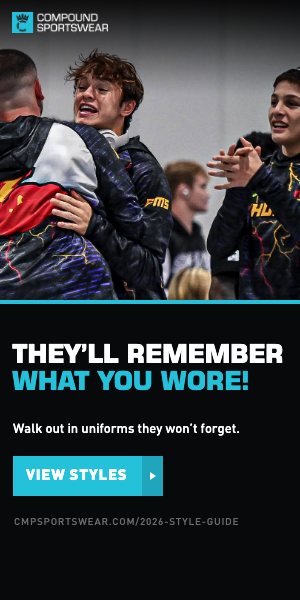
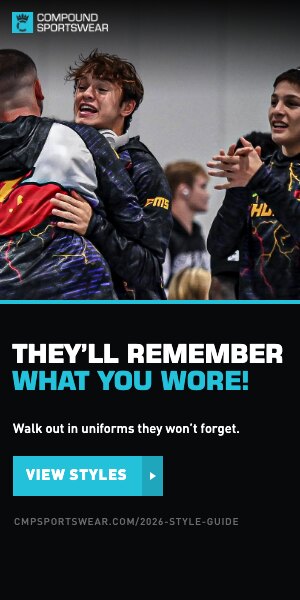
300x600
300 × 600 PNG   JPG   PSD
HALF PAGE

Tall box

Google Display half page
Adaptation
50/50 split held. Badge and title slab drop; headline, subhead, CTA and URL all survive.
Photo
Zoomed onto the hug so the subject still reads at 300 wide.
Full copy stack38 KB
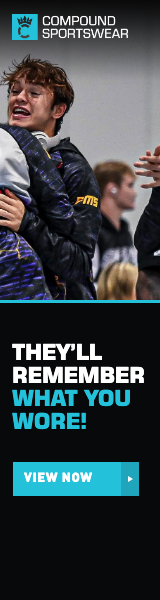
160x600
160 × 600 PNG   JPG   PSD
SKYSCRAPER

Narrow

Google Display wide skyscraper
Adaptation
Headline rebroken to four lines rather than scaled down to fit 160px — THEY’LL / REMEMBER / WHAT YOU / WORE!
Dropped
Subhead and URL. At this width neither reads.
Headline rebrokenSubhead cut21 KB

Files

SizePlacementJPGLayered PSDDownload
Square master
1080 × 1080Meta / IG feed194 KB your masterPNG · JPG
1200 × 628Link ad / display110 KB PSDPNG · JPG
970 × 250Billboard49 KB PSDPNG · JPG
728 × 90Leaderboard13 KB PSDPNG · JPG
300 × 250Medium rectangle21 KB PSDPNG · JPG
Vertical master
1080 × 1920Stories / Reels / TikTok254 KB your masterPNG · JPG
1080 × 1350IG / FB feed (4:5)213 KB PSDPNG · JPG
300 × 600Half page38 KB PSDPNG · JPG
160 × 600Wide skyscraper21 KB PSDPNG · JPG

Two things to flag

  • Your 1080×1920 PSD has the old “SEE THE ‘26 GUIDE” text layer still switched on, sitting black-on-black just under the subhead — invisible on most screens, a faint smudge on a good one. The file here has it off; worth hiding it in the PSD too.
  • The 1080×1080 and 1080×1920 PSDs on this page are yours — I didn’t rebuild them, since your originals already carry the full-resolution smart objects. The seven derived sizes ship as new layered PSDs.

How these were built

  • Photography, logo and every colour came out of the two PSDs — including the full-size original behind each smart object, and the logo re-rendered from its embedded vector so it stays sharp at any size.
  • Type is measured off each master’s rendered artwork, not its nominal point sizes. The text layers were scaled in Photoshop, so the numbers lie — the headline reads 94pt but renders at 87.8. Widths match the masters exactly.
  • All nine re-render from src/ad.html via src/render.sh, so a copy change or a recrop is a one-line edit and a re-run.
  • The PSDs are built by src/build_psd.py driving Photoshop, in the same layer stack as the Zero Boring set — 00 flat reference (hidden, to check against), 01 canvas, 02 photo beds (swappable), 03 art plate with the scrim, teal rule, title slab, badge and CTA button each on their own layer, 04 photos (swappable), 05 type as live editable text in Eurostile Bold and DIN Black / Medium.